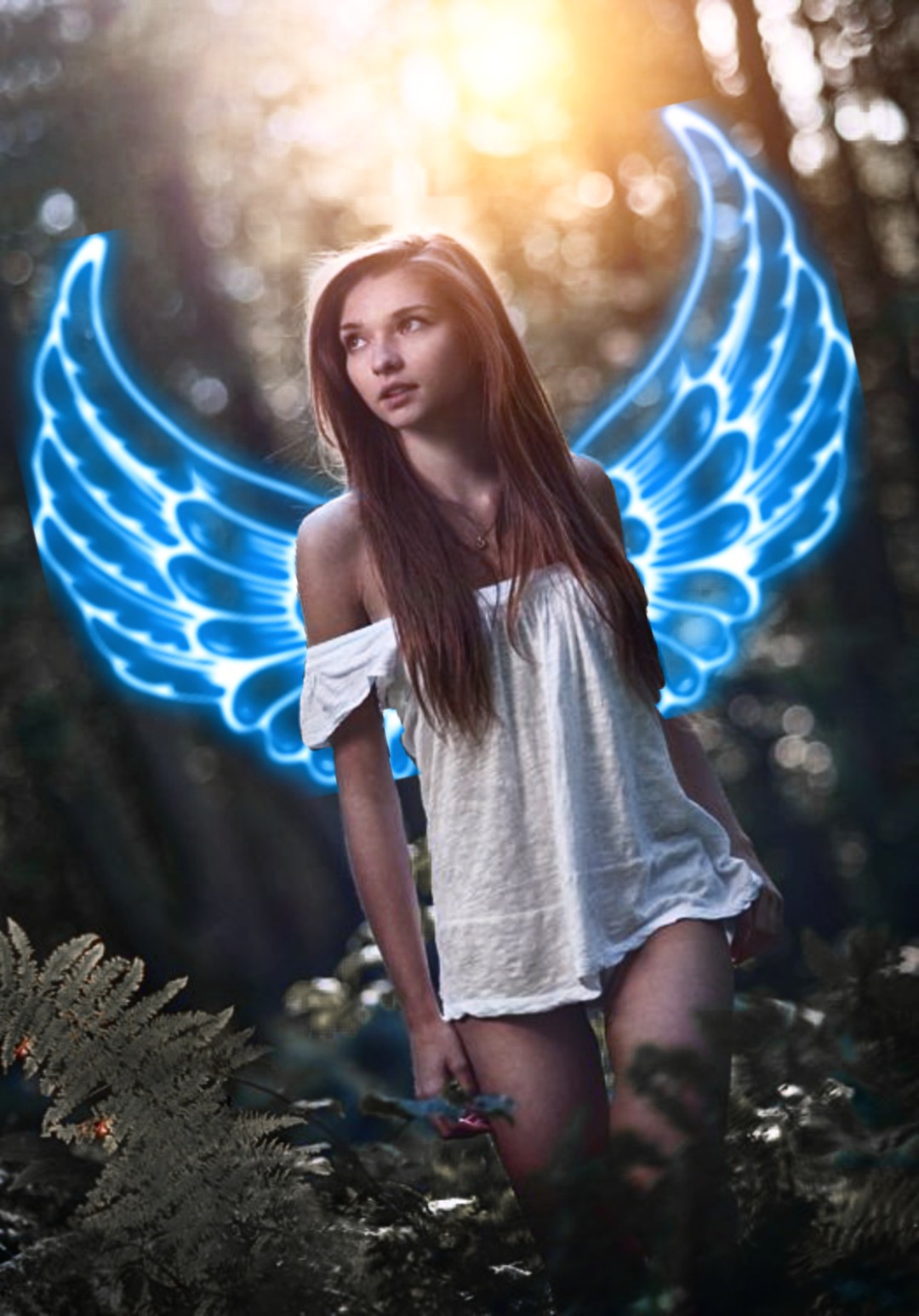
PicsArt Neon Wings Photo Editing

Neon Wings PNG Stock Image:

This tutorial shows you how to create an amazing neon wing portrait using the PicsArt app. A portrait effect is a skill to add two photos to a picture.

You can download neon wing png & Light (project stock images) at the bottom of the post.

For Your Kind information, this editing is done on a mobile app called Lightroom CC & Picsart Photo Editor. This app is available for all platforms.

About Picsart App:

PicsArt makes it easy to staging your photo editing game, creating amazing images and sharing with friends

This is an app that lets you become truly creative with its almost unlimited features – and it’s starting a movement to help people “go beyond the filter” and create a great picture.

With 500 million + installs and 100 million monthly users, PicsArt is spread all over the world and is available in more than 30 languages.

PicsArt is your new playground. Remix images with us, join the family and discover the universe of mind while blowing the brain.

Video Tutorial – Neon Wings Effect

Hello! Welcome to picsart tutorial of crazy tips. At the above video is a preview of the portrait manipulation.

PicsArt is your new playground. Remix images with us, join the family and discover the universe of mind while blowing the brain.

video me have design neon wings manipulation with photo and provided a blend effect. you can use any wings Image.

In this video, I have used neon wings and the light png download link below the post and used images to create an awesome effect. if you do not understand about this tutorial. please comment.

Download Project Zip File: Click here

PicsArt Tutorial Brush Portrait Effect

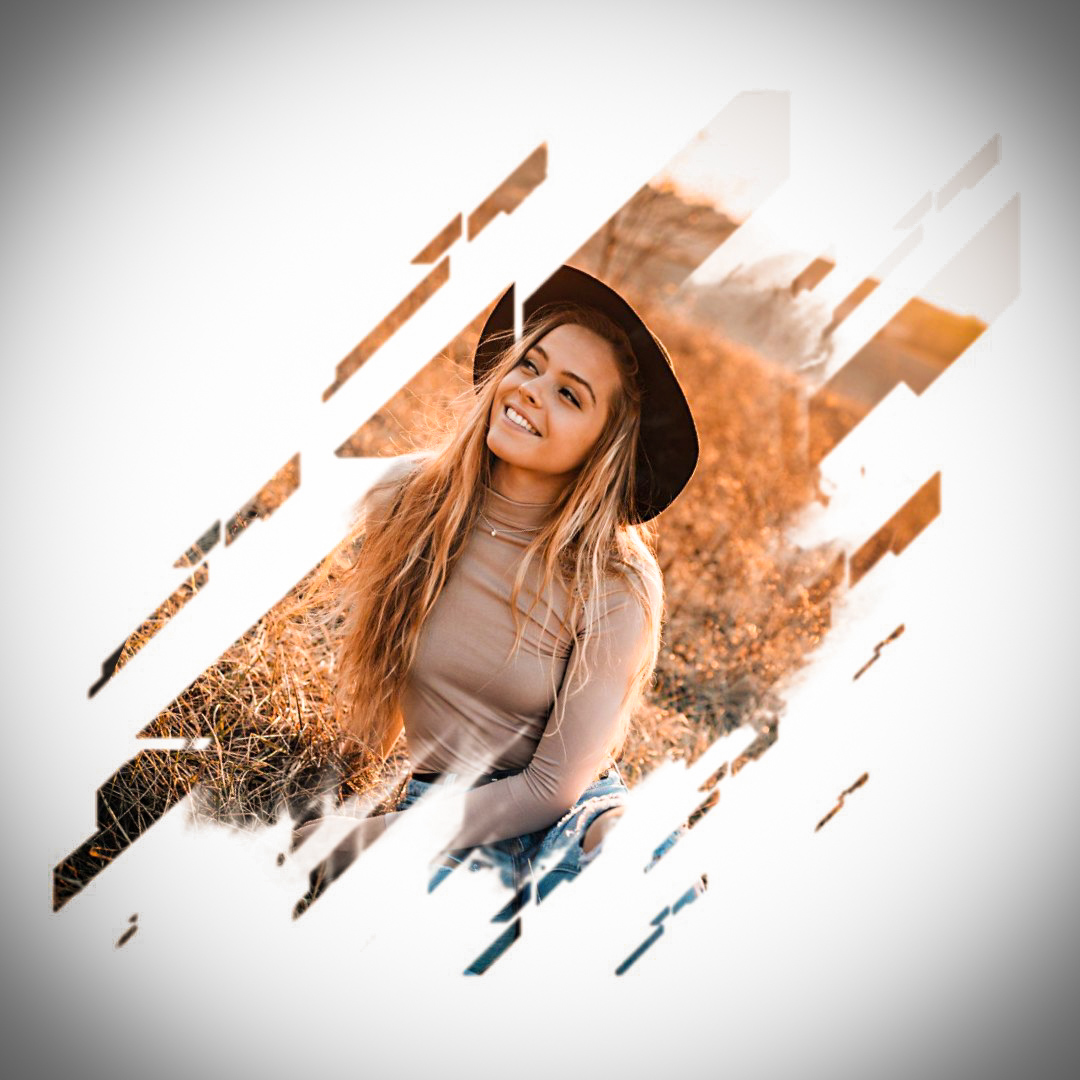
Hello! Welcome to picsart tutorial of crazy tips. At the above picture is a preview of brush portrait effect from the face. In this tutorial guided brush portrait from face girl model and you can use your face.

In this tutorial, I have used a brushed background. link download the video description and all free. If you have any question, please comment. And do not forget to SUBSCRIBE and buy me a coffee! Thank you!

“Picsart photo editor” is one of the most popular photos editing Android app. PicsArt Photo Editor/ PicsArt Photo Studio to provide a lot of features to customize our photos as like Photoshop.

Across 450 million people installed picsart application. The overall rating of this application is above 4.5 stars. PicsArt is the popular photo editor and studio Android app

Required App:

paint brush

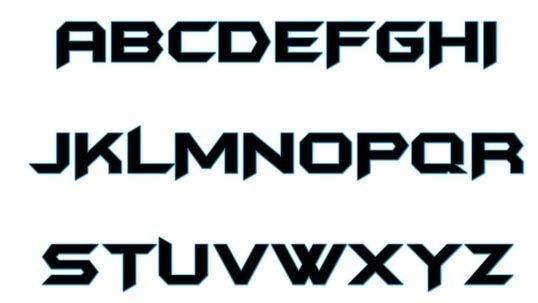
Batman Forever – Font Download

Graphic design was once limited to making the object beautiful for document, website, or promotion and marketing.

However, progress in web and mobile technology has made viewers a useful tool for producing producers.

In various factors, the font has a significant role in graphic design because it speaks on behalf of the whole structure.

Helvetica graphic designers are one of the widely used fonts, either working as a professional or middle-to-senior resource.

The similarity of this font varies among professionals because some of them admire it for their unique and simple performance, while others argue that the difference between the characters is a bit tighter.

This can be due to special differences between designers, while professionals have eyes of every description, so they classify and use fonts according to the scope and purpose of a project.


Download font: batman_forever.zip (10127 downloads)

Double Exposure Effect Picsart Tutorial

What is double exposure?

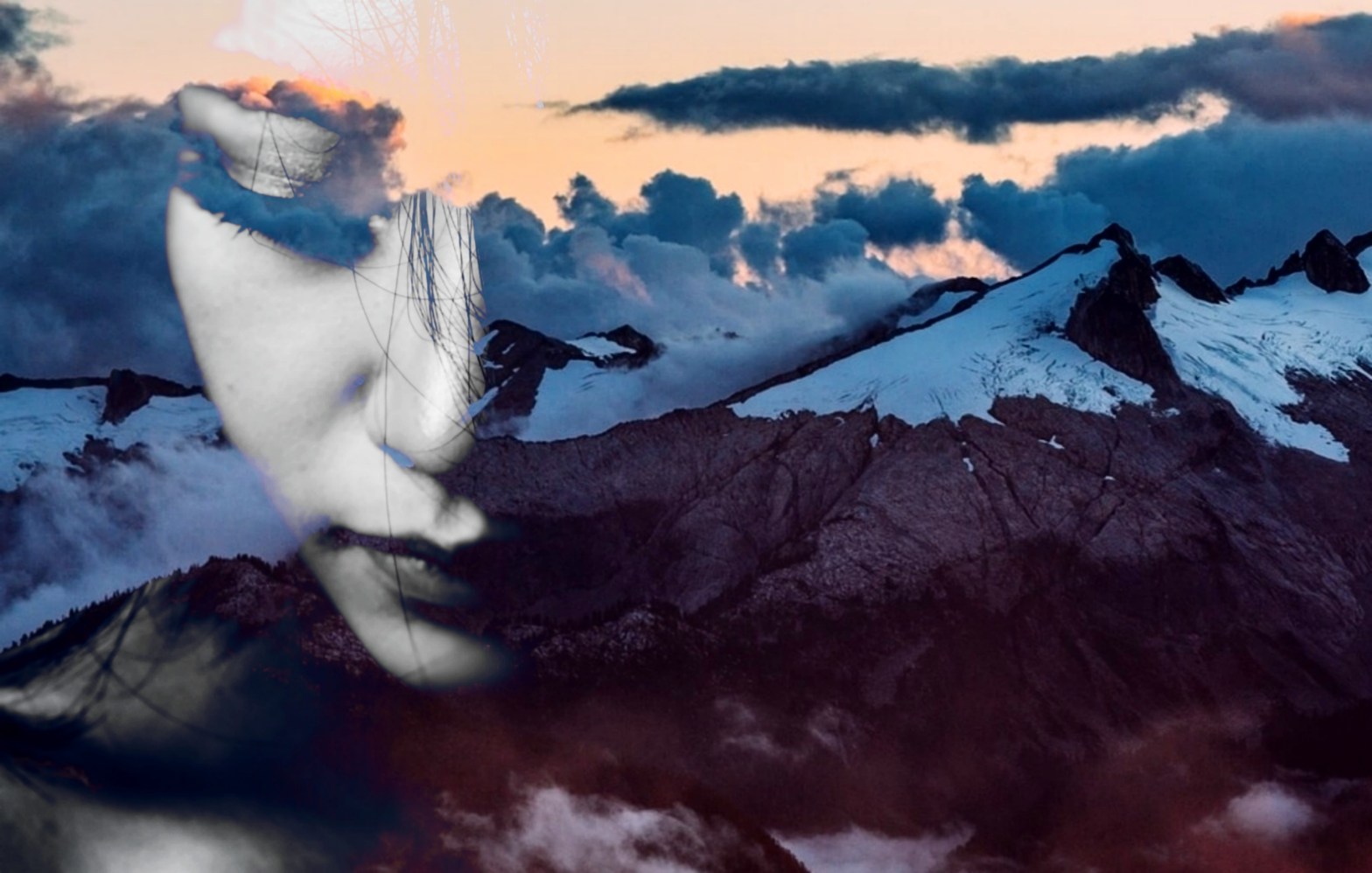
In Photography, Double Exposure photos is a skill to integrate two or more photos. Although it seems quite basic, this simple move can cause some really impressive artistic illusions, and this editing tutorial is a perfect example.

Double Exposure Editing

The above picture is a preview of the amazing “Double Exposure Effect”. At below tutorial is guided how to make double exposure effect by using picsart, in the video, I had a mountain background image, and integrate this same image with men.

You can download background image and Bird png (project stock images) at the bottom of the post.

For Your Kind information, this editing is done on a mobile app called Picsart Photo Editor. This app is available for all platforms

About Picsart App:

PicsArt photo editor and collage maker are all about you. If you haven’t tried it, you’re missing out! Download the app to get in on the action.

PicsArt makes it easy to staging your photo editing game, creating amazing images and sharing with friends.

This is an app that lets you become truly creative with its almost unlimited features – and it’s starting a movement to help people “go beyond the filter” and create a great picture.

Double Exposure Video-Tutorial

Hello! Welcome to picsart tutorial of crazy tips.

video me have Share Double Exposure Ideas with the help of picsart App and provided a blend effect. you can use any background Image.

In this video, I have used mountain background Image to create a blend effect download link below the post and used the bird png. if you do not understand about this tutorial

If you have any problem please comment questions in video or website, I will reply to all message if possible! please comment and for you know think of you! thank you.

Download Link: 
Background.jpg (661 downloads)

Picsart Tutorial Joker Face

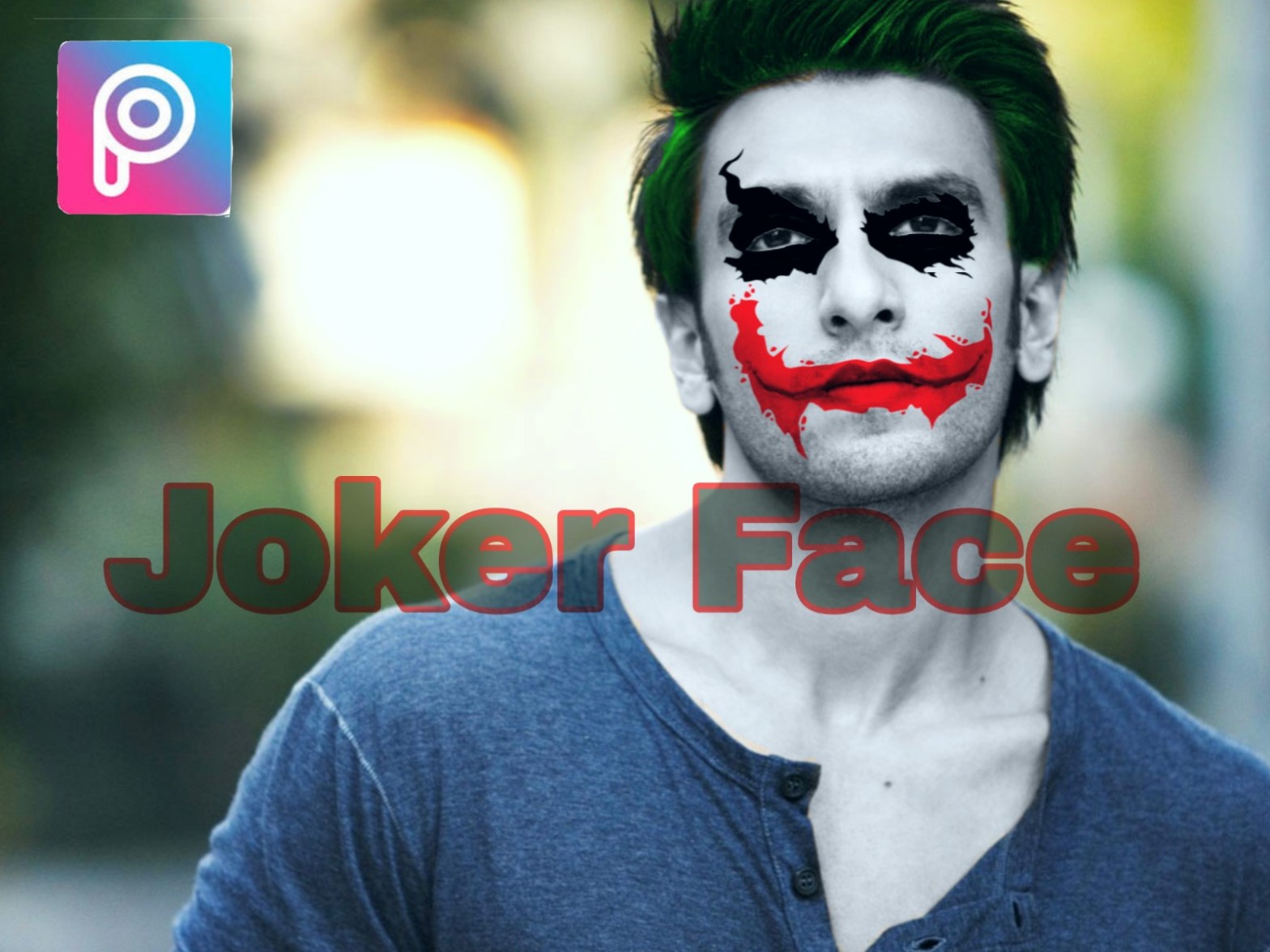
This tutorial shows you how to create wonderful joker face using the PicsArt app. A portrait effect is a skill to add two photos to a picture.

You can download Flag image (project stock images) at the bottom of the post.

For Your Kind information, this editing is done on a mobile app called Picsart Photo Editor. This app is available for all platforms.

About Picsart App:

PicsArt photo editor and collage maker are all about you. If you haven’t tried it, you’re missing out! Download the app to get in on the action.

PicsArt makes it easy to staging your photo editing game, creating amazing images and sharing with friends.

Video Tutorial – Face Joker

Hello! Welcome to picsart tutorial of crazy tips. At the above video is a preview of the joker face portrait.

video me have design joker face manipulation with photo and provided a blend effect. you can use any png from google.

if you do not understand about this tutorial. you can comment questions in video or website, I will reply all message if possible! please comment and for you know think of you! thank you!

Download Link: 
joker face.zip (1768 downloads)

PicsArt Geometry Portrait Effect

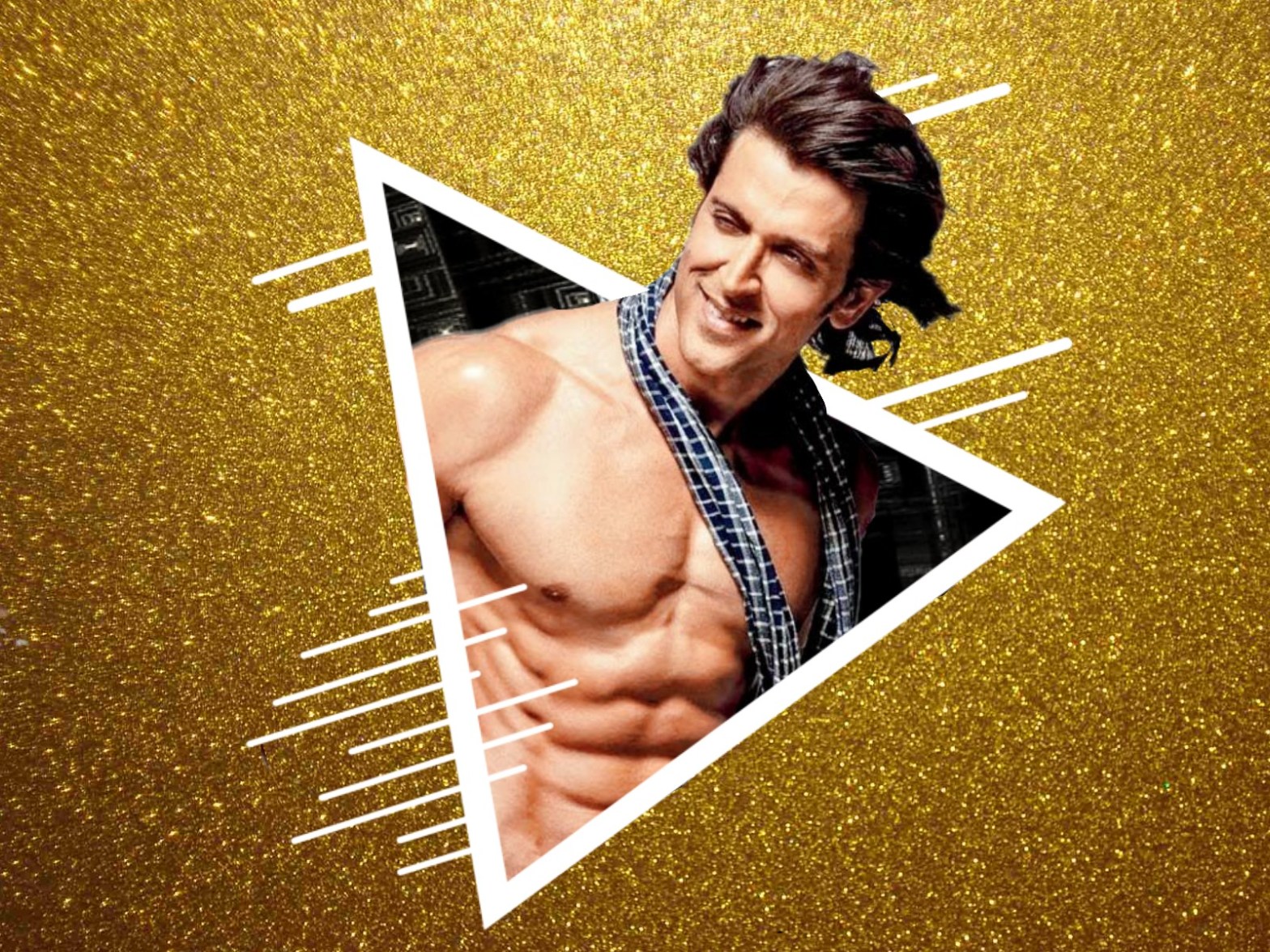
Download Project Stock Images: This tutorial shows you how to create a wonderful Geometry Portrait effect using the PicsArt app. A portrait effect is a skill to multiple photos to a picture.

You can download background image (project stock images) at the bottom of the post.

For Your Kind information, this editing is done on a mobile app called Picsart Photo Editor. This app is available for all platforms.

About Picsart App:

PicsArt makes it easy to staging your photo editing game, creating amazing images and sharing with friends

This is an app that lets you become truly creative with its almost unlimited features – and it’s starting a movement to help people “go beyond the filter” and create a great picture.

With 500 million + installs and 100 million monthly users, PicsArt is spread all over the world and is available in more than 30 languages.

Amazing Portrait – Video Tutorial

Hello! Welcome to picsart tutorial of crazy tips. At the above video is a preview of the geometry portrait manipulation.

PicsArt is your new playground. Remix images with us, join the family and discover the universe of mind while blowing the brain.

In this video, I have used circular wave background download link below the post and used images to create a double exposure effect. if you do not understand about this tutorial.

Download Link: 
Amazing Portrait.zip (3517 downloads)

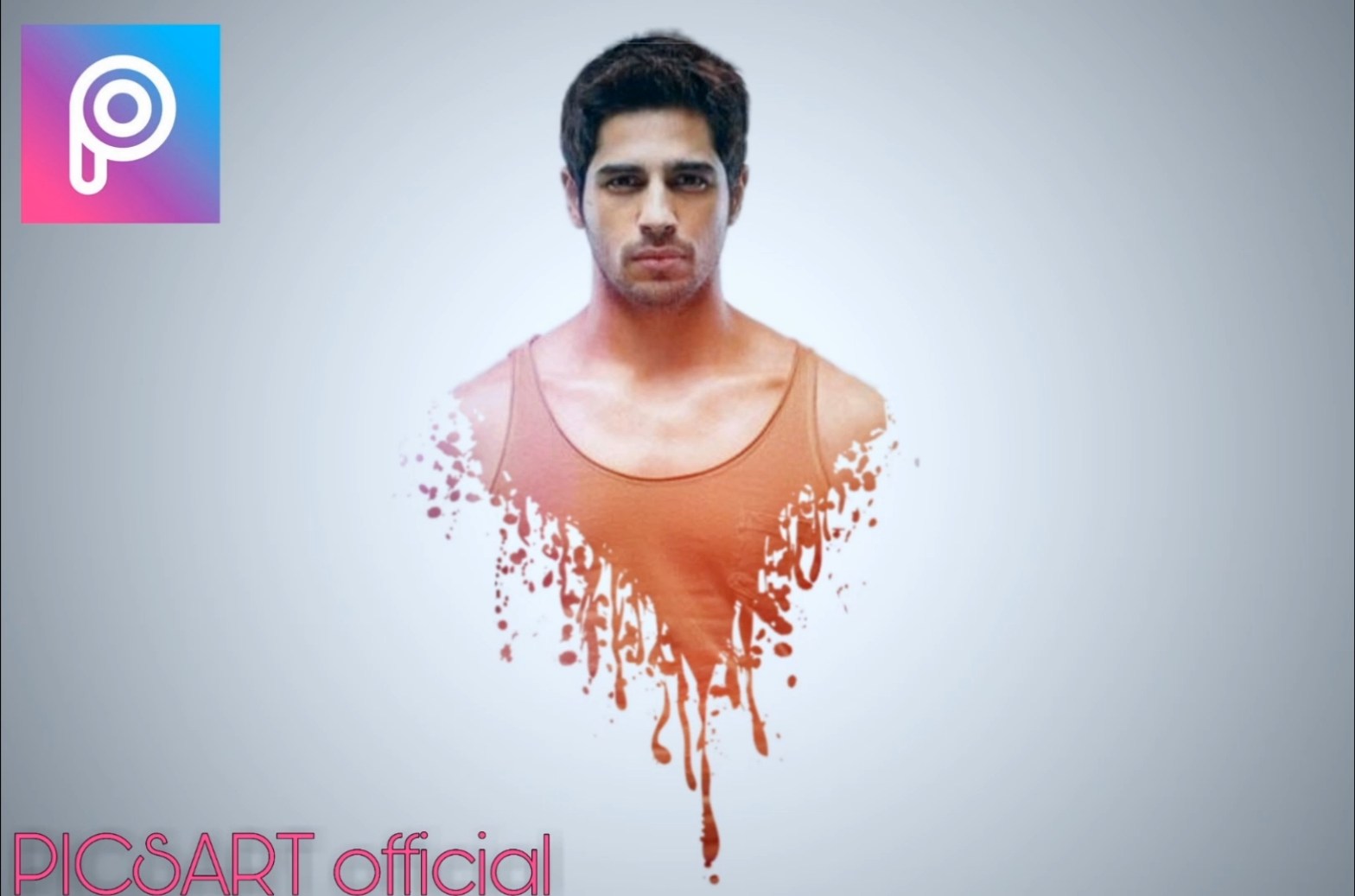
PicsArt dripping Effect Stock Image

Dripping Stock Image: This tutorial shows you how to create a wonderful dripping effect using the PicsArt app. A portrait effect is a skill to add two photos to a picture.

You can download background image (project stock images) at the bottom of the post.

For Your Kind information, this editing is done on a mobile app called Picsart Photo Editor. This app is available for all platforms.

About Picsart App:

PicsArt photo editor and collage maker are all about you. If you haven’t tried it, you’re missing out! Download the app to get in on the action.

PicsArt makes it easy to staging your photo editing game, creating amazing images and sharing with friends.

With 500 million + installs and 100 million monthly users, PicsArt is spread all over the world and is available in more than 30 languages.

Video Tutorial – Portrait Effect

Hello! Welcome to picsart tutorial of crazy tips. At the above video is a preview of the dripping portrait manipulation.

video me have design portrait manipulation with photo and provided a blend effect. you can use any your Image.

In this video, I have used dripping png background download link below the post and used images to create a blend effect. if you do not understand about this tutorial please comment and don’t forget subscribe to my youtube channel.

Download Link: 
dripping.jpg (1694 downloads)

Design a site like this with WordPress.com
Get started